
What Is a Court Docket in Osceola County
In Michigan, the docket is often called the register of actions. It is a dated list of everything that happens in a case. Each line marks one event, such as a complaint filed, a summons issued, a motion, an order, a hearing notice, or a judgment. The register of actions is the court's official index to the file. It does not hold the documents themselves. Instead, it tells you what was filed, who filed it, and when. Under Michigan Court Rule 1.109, a court record is the recorded information the court creates or receives, and the register of actions is the map to all of it.
A docket differs from the full case record in scope. The docket is a short timeline. The full file holds the actual pleadings, exhibits, orders, and judgments. Reading a docket tells you a motion was filed. Reading the file tells you what the motion argued. Osceola County matters can sit in three trial courts, and each keeps its own docket. Circuit dockets cover felonies, divorce, and larger civil claims. District dockets cover misdemeanors, traffic, small claims, and landlord-tenant cases. Probate dockets cover estates, guardianships, and juvenile matters, and many of those are limited by law.
How to Find Osceola County Dockets Online
Osceola County has no single county-run docket portal. Public docket lookups run through MiCOURT Case Search, the state's case-search website. The 49th Circuit Court participates, and the county's Friend of the Court page links directly to "MiCOURT Case Search - 49th Circuit Court - Osceola." Depending on the court, the state site may show civil, traffic, criminal, domestic, and probate cases. The 77th District Court is an e-filing court listed in MiFILE, and its cases are generally searched through the same statewide system where the court takes part.
The county's Friend of the Court page is the office that hosts the working link to the circuit docket search.
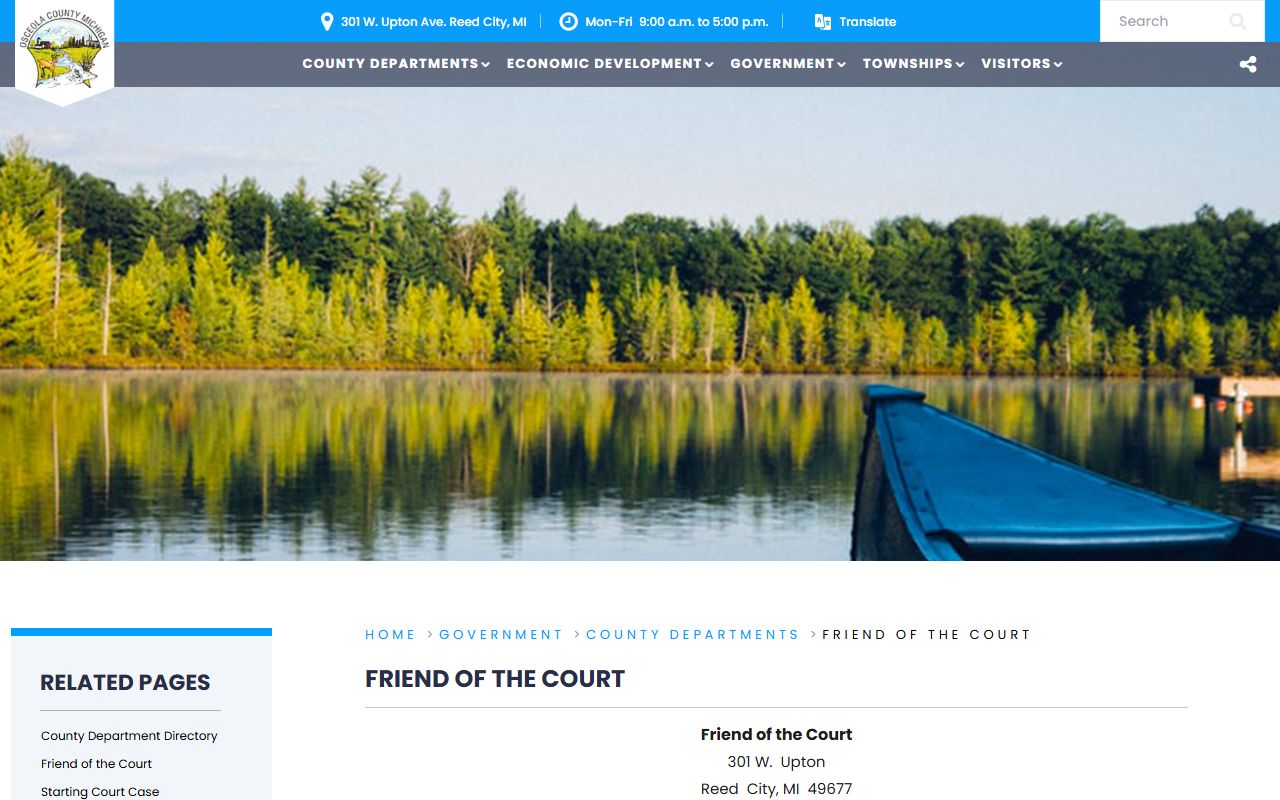
That page routes visitors to the MiCOURT docket for the 49th Circuit Court, which is the fastest online route to an Osceola County court docket. The steps below outline a typical search.
- Open MiCOURT Case Search at the state case-search site.
- Select the participating court, such as the 49th Circuit Court or the 77-2 District Court.
- Enter a party name or a case number, then add a filing year or date of birth to narrow common names.
- Open the matching case and review the register of actions for filings, hearings, and orders.
Note: MiCOURT shows only courts that take part, so a case may exist at the clerk's counter even when no online docket appears for it.
Sample Osceola County Docket Entry
An online docket reads as a table of short fields. Each field carries one piece of the story, and together they show where a case stands. Michigan captions require a case number with a year prefix and a two-letter case-type suffix, so the number alone tells you the filing year and the type of case. The inventory below lists the fields a public register of actions typically shows in Osceola County.
| Field | What It Shows |
|---|---|
| Case Number | Year prefix plus a two-letter case-type suffix under MCR 1.109. |
| Court | 49th Circuit Court, 77th District Court, or Probate & Family Court. |
| Entry Date | The date the event was recorded on the register of actions. |
| Event Type | The action taken, such as complaint filed, motion, order, or judgment. |
| Party Filing | The plaintiff, defendant, petitioner, or respondent behind the entry. |
| Judge or Magistrate | The officer assigned to the case when shown. |
| Hearing Date | Date, time, and hearing type for a scheduled appearance. |
| Disposition | The outcome, such as guilty, dismissed, responsible, or judgment entered. |
| Document Link | Access to an image is often limited; many filings require a clerk request. |
Courts That Publish Dockets in Osceola County
Three trial courts share the Reed City courthouse, and each keeps a different kind of docket. The 49th Circuit Court and the 77th District Court are the two most likely to appear in an online case search, while the Probate & Family Court keeps the most restricted records. The Friend of the Court and the Prosecuting Attorney support these dockets but do not publish separate public case lists.
The 49th Circuit Court page lists the judges, the case types, and the address for the county's general trial court.
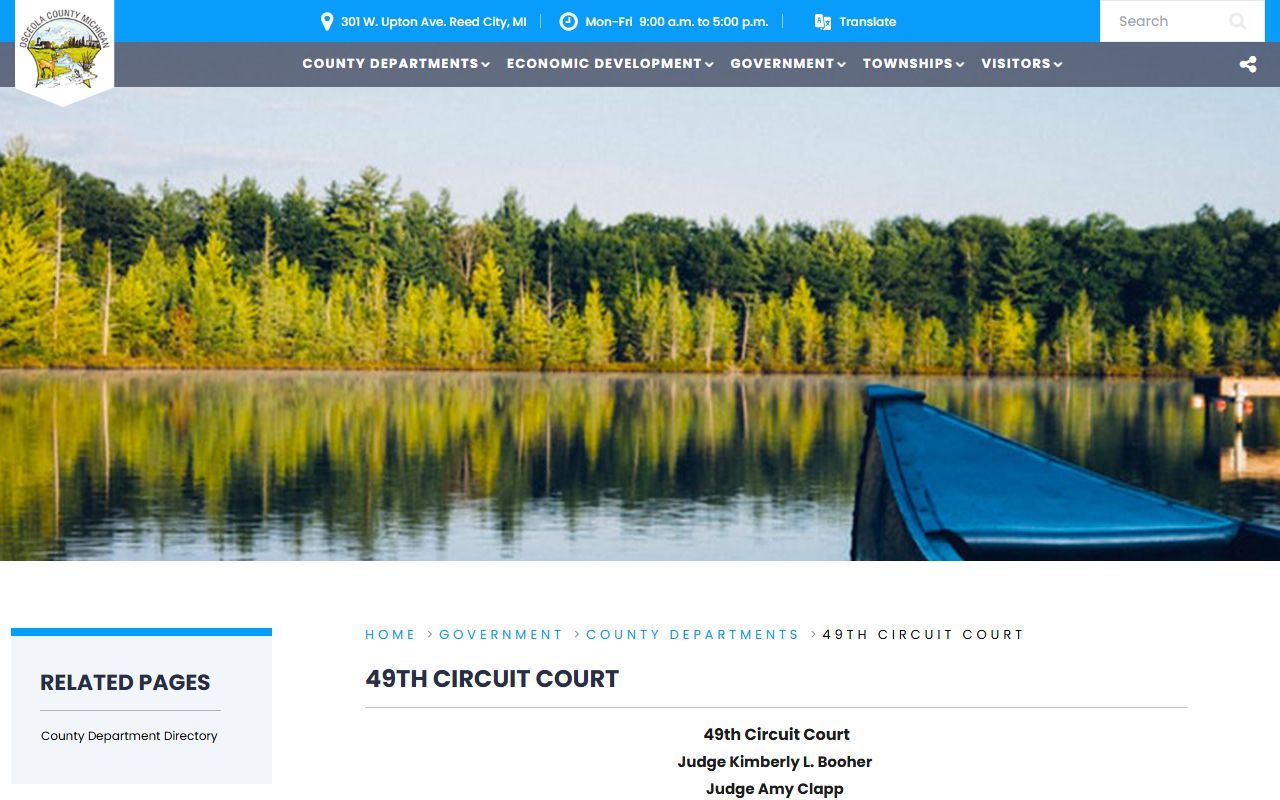
That court is the one linked to MiCOURT for Osceola dockets, which is why its cases are the easiest to follow online. The list below shows how docket coverage splits across the local courts.
- 49th Circuit Court: felonies after bindover, divorce, personal protection orders, and civil claims over $25,000; dockets link through MiCOURT.
- 77th District Court: misdemeanors, traffic, small claims, and landlord-tenant cases; searched through MiCOURT where the court participates.
- Probate & Family Court: estates, guardianships, and juvenile matters; much of this docket is limited or nonpublic.
Docket vs. Full Case Record
The docket and the full case file are not the same thing. A docket is a list of dated events. The full record holds the documents behind those events, including motions, exhibits, and signed orders. An online docket answers when and what. The paper or imaged file answers why and how. For a deeper look at everything a file can hold, the county's court records guide covers the documents behind each docket line.
Access differs too. A docket line is often visible online for free, while the underlying document may require a clerk request, a fee, or an in-person visit. Michigan online public access is generally at the docket level, and document images are not always posted. The table below sets the two side by side.
| Docket | Full Case Record | |
|---|---|---|
| Format | List of dated entries | Full filed documents |
| Access | Often online and free | May require a fee or visit |
| Use | Track case progress | Legal review and evidence |
Hearing Dates and Continuances on the Docket
Hearing information is one of the most common reasons people check a docket. A hearing line usually shows the date, the time, the courtroom or officer, and the type of hearing. When a hearing is moved, the docket records an adjournment or continuance. A continuance is a postponement of a hearing or a deadline. The new date replaces the old one on the register of actions, so the most recent entry controls.
Older hearing lines stay in the record for history. That history helps you see how long a case has run and how often dates have changed. If a date looks stale, or a hearing sits close to the current day, confirm it with the court before you rely on it. Online dockets can lag behind the clerk's live file.
Note: Online docket entries can trail the clerk's official file by a day or more, so verify any near-term Osceola County hearing date directly with the court.
How to Read an Osceola County Docket
Docket entries use short labels. A line reading complaint filed, summons issued, or motion names the event without the full document. Criminal dockets add charge, plea, and sentence lines. Traffic dockets show the citation, the violation, and a responsible, not responsible, or dismissed result. Civil and probate dockets track orders, judgments, and, in estates, the letters issued to a personal representative.
The disposition is the outcome of the case. It may read guilty, dismissed, judgment entered, or responsible, depending on the case type. State court filings follow standard forms, and matching a docket label to its form clears up most confusion. Many docket labels line up with the official state forms published in the Michigan SCAO form library.
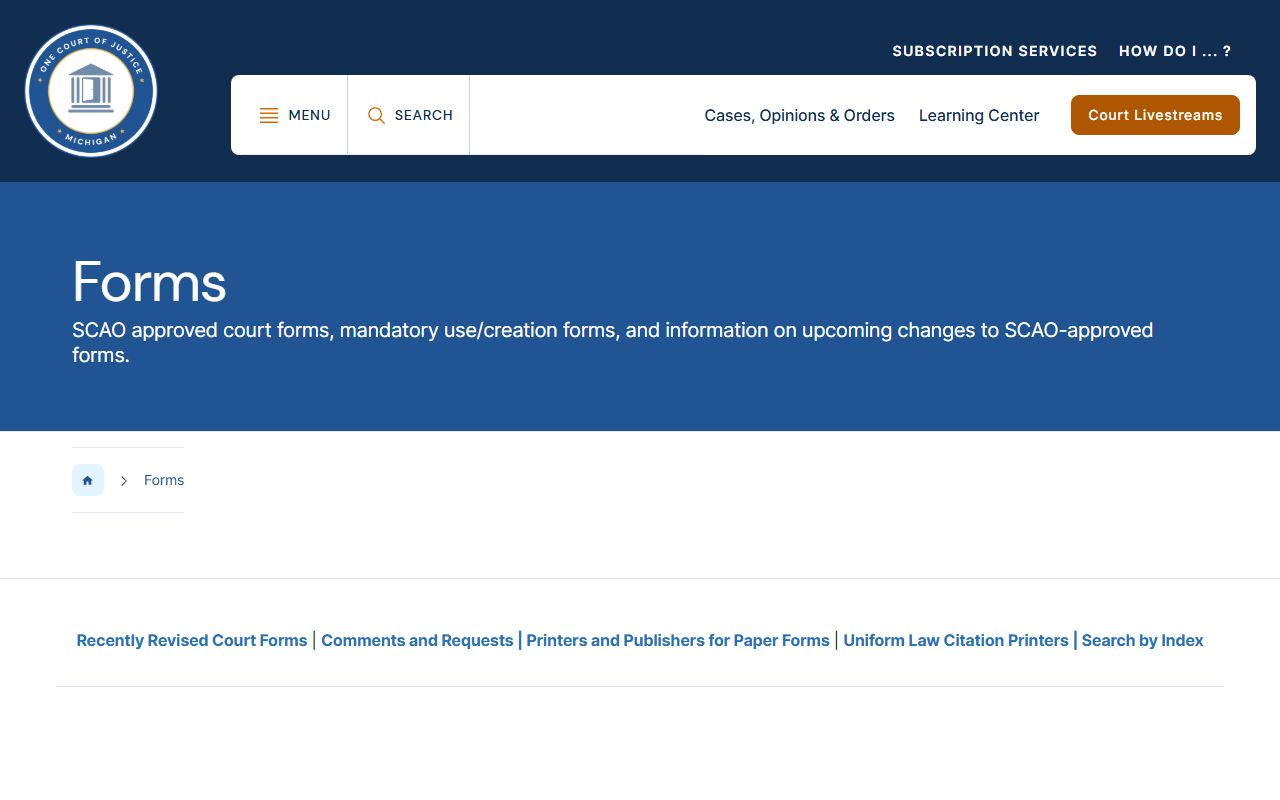
Matching a docket entry to its SCAO form makes an unfamiliar Osceola County docket line far easier to read. When you need the record itself, a printed docket is not proof of the case outcome.
Certified copies: Osceola County certified court copies cost $10 plus $1 per page through the County Clerk, and a Register of Actions copy adds $1 per page. A screen print of an online docket is not a certified record.
When to Contact the Osceola County Court
Some Osceola County dockets are not online, and some questions need a person. Probate, juvenile, and adoption matters are often limited or nonpublic, so those dockets usually require a call to the court. For a 49th Circuit Court criminal or civil record, the County Clerk runs a paid name search at $5 per name, plus $1 per page for a Register of Actions copy. District cases route to the right division clerk by phone. Knowing the case type points you to the correct office.
The district court answers on one main line with three options, so choose the clerk that matches the case. Circuit filings and searches go through the County Clerk on the courthouse first floor. Probate questions go to the Probate Register or the Juvenile Register.
- Circuit felony, divorce, and larger civil dockets: the County Clerk or the 49th Circuit Court at (231) 832-3261.
- District misdemeanor, traffic, and small-claims dockets: the 77th District Court at (231) 832-6155, criminal option 1, civil option 2, traffic option 3.
- Estate, guardianship, and juvenile dockets: the Probate & Family Court at (231) 832-6124.